What is BitZed?
BitZed is an app that helps people in Zambia buy and spend bitcoin. You pay with MTN, Airtel, or Zamtel mobile money. You receive bitcoin on the Lightning Network. It is fast and easy to use.
What you need
- A smartphone
- Mobile money on your phone
- A Lightning wallet address (where your bitcoin goes)
- The BitZed app or website
How to buy, step by step
-
1
Get BitZed
Download BitZed from Google Play or the App Store. You can also open bitzed.xyz in your phone browser.
-
2
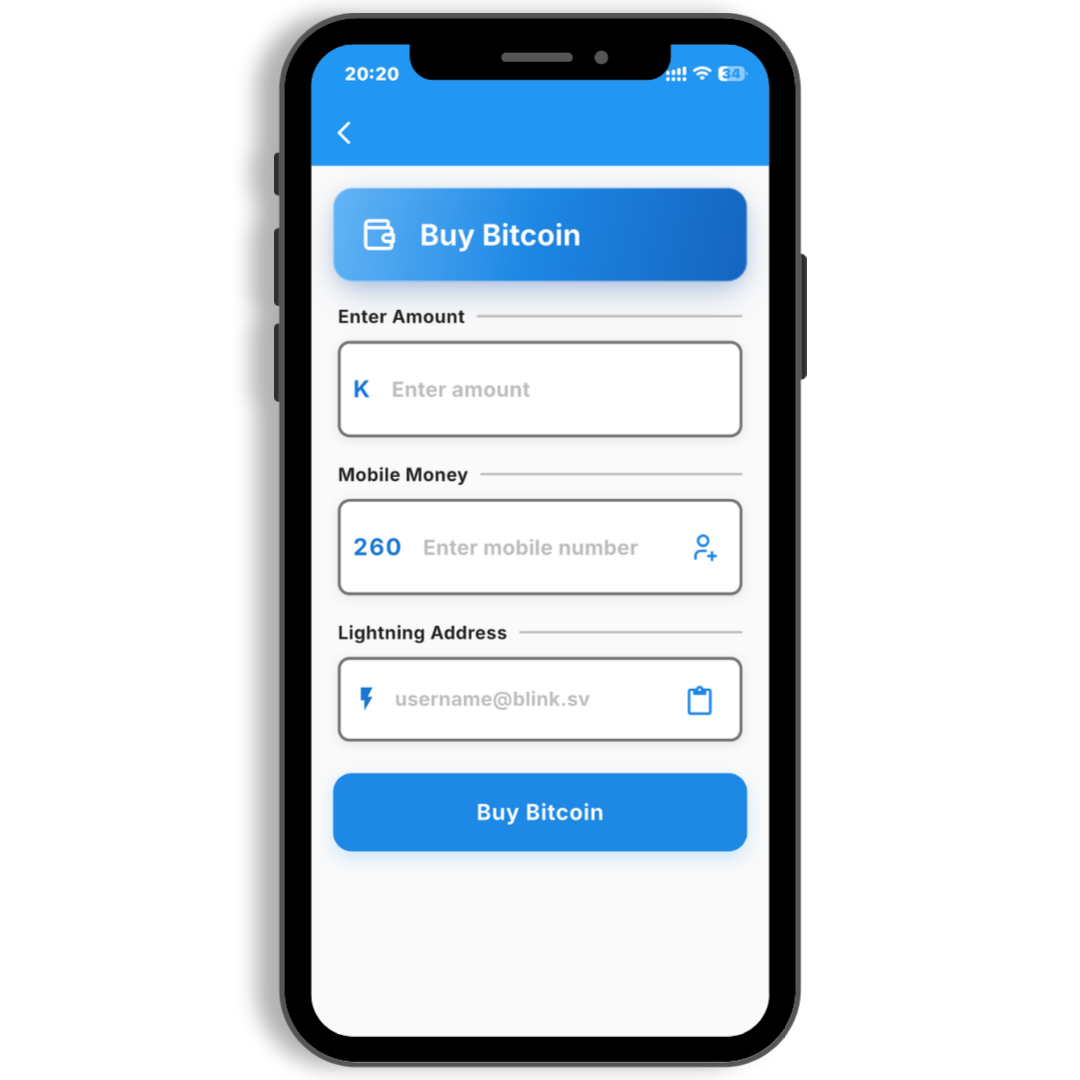
Tap Buy Bitcoin
Open the app. Tap the blue Buy Bitcoin button on the home screen.
-
3
Enter your amount
Type how much kwacha (ZMW) you want to spend. The app shows how much bitcoin you will get.
-
4
Add your Lightning address
Paste your Lightning address. Double-check it. This is where your bitcoin will be sent.
-
5
Pay with mobile money
Confirm the payment. Approve the mobile money request on your phone when it pops up.
-
6
Done
BitZed sends bitcoin to your wallet. Most payments finish in a few minutes.
Good tips
- Start with a small amount the first time
- Check your Lightning address twice before you pay
- Keep your phone nearby for the mobile money prompt
New to bitcoin? A Lightning wallet is like a digital pocket for small bitcoin payments. Many free wallet apps can give you a Lightning address in minutes.
Ready to try it?
Get BitZed