What does spending bitcoin mean?
With BitZed, spending bitcoin means sending sats from your Lightning wallet and receiving kwacha (ZMW) on your mobile money account. It works with MTN, Airtel, and Zamtel.
What you need
- A smartphone
- Bitcoin in a Lightning wallet
- A mobile money number that can receive money
- The BitZed app or website
How to spend, step by step
-
1
Get BitZed
Download BitZed from Google Play or the App Store. You can also open bitzed.xyz in your phone browser.
-
2
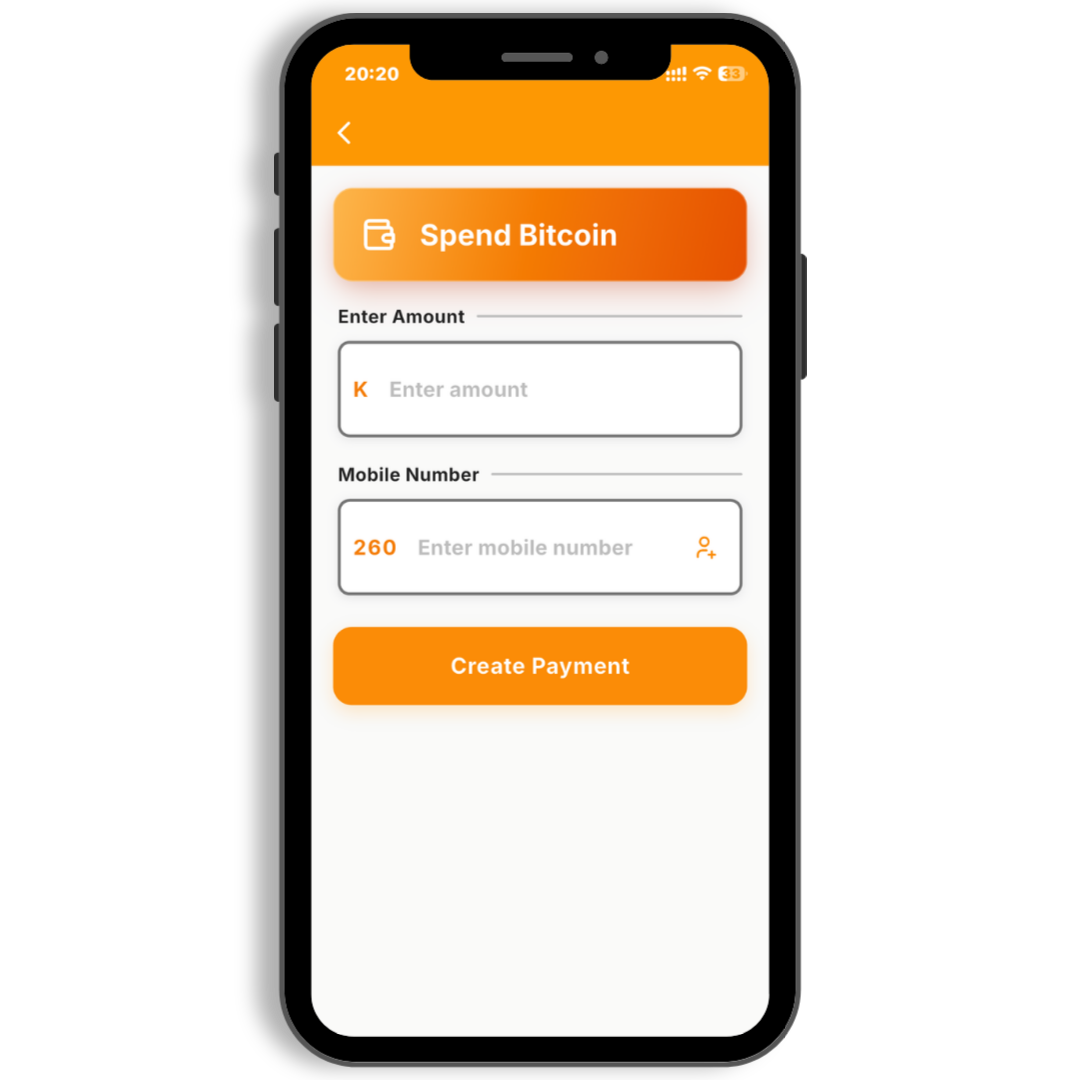
Tap Spend Bitcoin
Open the app. Tap the orange Spend Bitcoin button on the home screen.
-
3
Enter your amount
Type how many sats you want to spend, or how much kwacha you want to receive. The app shows both amounts.
-
4
Add your mobile money number
Enter the phone number linked to your mobile money wallet. Double-check it before you continue.
-
5
Pay from your Lightning wallet
BitZed shows a Lightning invoice. Open your wallet app and pay it. This sends your bitcoin to BitZed.
-
6
Receive mobile money
BitZed sends kwacha to your mobile money account. Most payments finish in a few minutes.
Good tips
- Start with a small amount the first time
- Check your mobile money number twice
- Have your Lightning wallet open before you pay the invoice
Check your number. The mobile money number must be active and able to receive money. If the number is wrong, the payment may fail or go to the wrong person.
Ready to try it?
Get BitZed