The simple answer
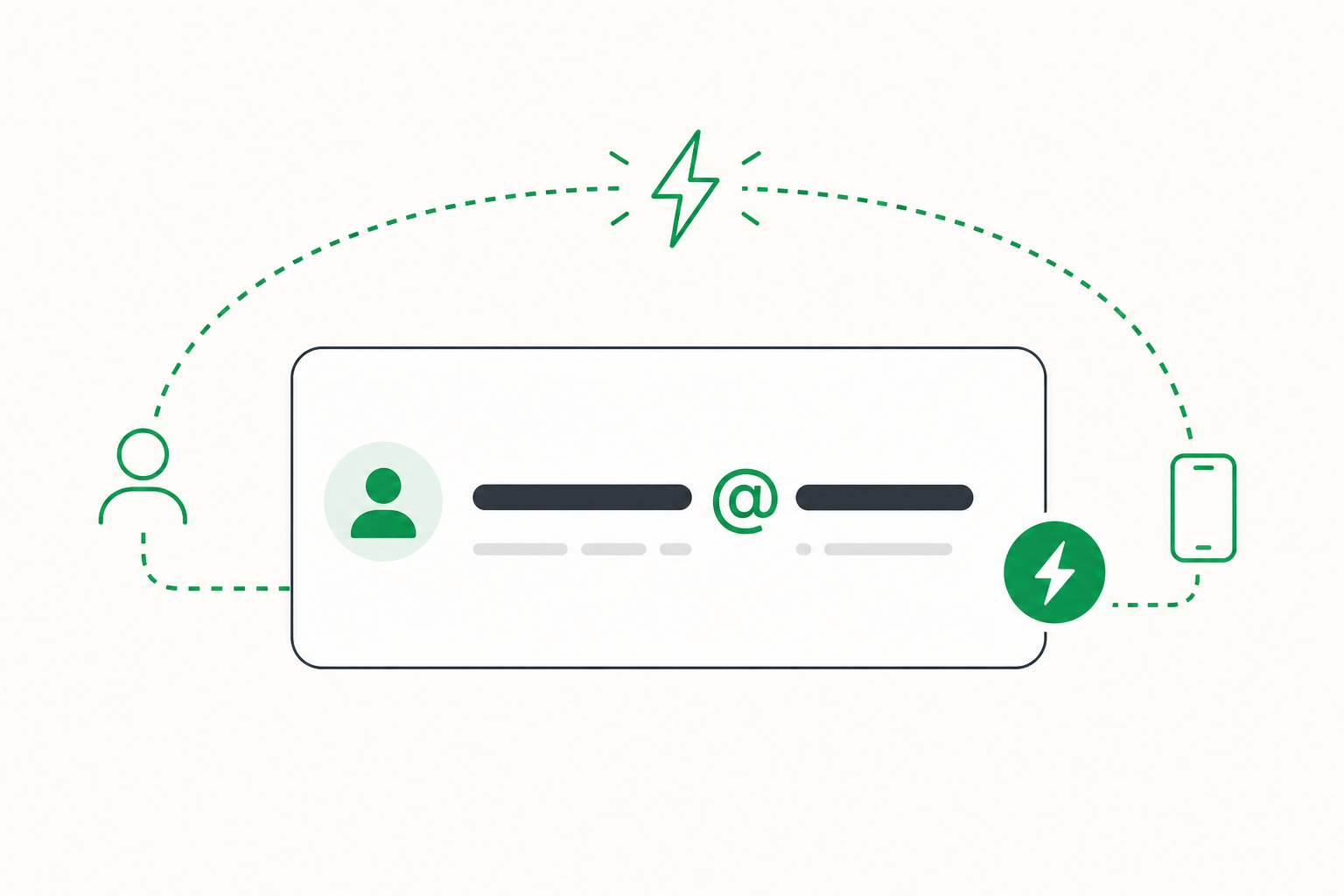
A Lightning address is a short name that tells people where to send you bitcoin on the Lightning Network. It usually looks like this:
You share it when you want to receive bitcoin. The sender does not need to scan a QR code. They just paste your address and pay.
How is it different from a normal bitcoin address?
A normal bitcoin address is long and hard to read. It looks like a random string of letters and numbers.
A Lightning address is short and easy to remember. That makes it better for everyday payments, especially small amounts like sats.
Why does BitZed ask for one?
When you buy bitcoin with BitZed, you pay with mobile money and receive bitcoin on Lightning. BitZed needs your Lightning address so it knows where to send your sats.
Think of it like giving someone your phone number so they can send you mobile money, but for bitcoin.
How do you get a Lightning address?
- Download a Lightning wallet app on your phone
- Create a wallet (or open one you already have)
- Look for “Lightning address” or “Receive” in the app
- Copy the address and paste it into BitZed when you buy
What a good address looks like
Most Lightning addresses follow this pattern:
- A username (the part before @)
- An @ symbol
- A wallet provider name (the part after @)
Good tips
- Copy and paste your address. Do not type it by hand.
- Check the full address before you confirm a buy on BitZed
- Use the address from the same wallet where you want to keep your bitcoin
Remember: Your Lightning address is safe to share when you want to receive bitcoin. It is like sharing your email to get paid. People can send to it, but they cannot take money out of your wallet with it alone.
Ready to buy bitcoin with mobile money?
Get BitZed