What is a bitcoin wallet?
A bitcoin wallet is not a physical wallet. It is a phone app (or software) that stores the keys to your bitcoin. With it, you can receive bitcoin, send bitcoin, and check your balance.
BitZed works with Lightning wallets. These are made for fast, small bitcoin payments. They are perfect for buying and spending sats with mobile money in Zambia.
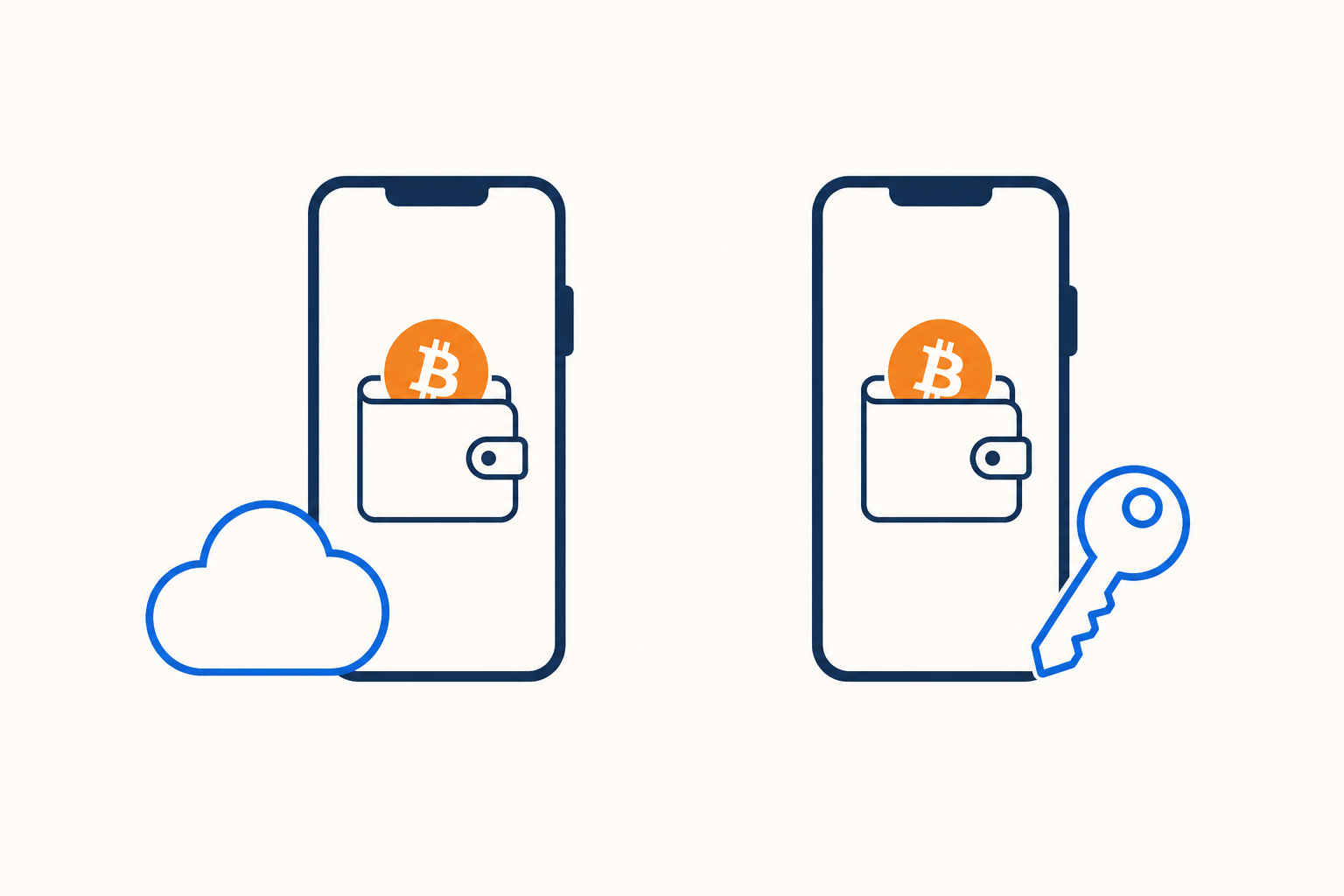
Custodial and self custody
This is the most important difference to understand.
The company holds your keys
A custodial wallet is like a bank app. The wallet company keeps control of your bitcoin for you. It is usually easier to use and good for beginners.
Pros: simple setup, easy recovery if you lose your phone.
Cons: you trust the company to keep your bitcoin safe.
You hold your keys
A self custody wallet gives you full control. No company can move your bitcoin without your permission. You own it completely.
Pros: you control your bitcoin, more privacy and independence.
Cons: you must back up your wallet and keep your recovery phrase safe.
Which should you choose?
- New to bitcoin? Start with a simple custodial wallet like Blink or Wallet of Satoshi.
- Want full control? Try a self custody wallet like Phoenix or Muun.
- Using BitZed to buy? Any of our recommended wallets below can give you a Lightning address.
- Using BitZed to spend? You need a wallet that can pay Lightning invoices.
BitZed recommended wallets
These are the Lightning wallets we recommend and support in the BitZed app:
Blink
CustodialEasy to use, great for beginners. Gives you a Lightning address for receiving bitcoin from BitZed.
Wallet of Satoshi
CustodialOne of the simplest Lightning wallets. Very popular for people just getting started with bitcoin.
Phoenix
Self custodyYou control your keys. A strong choice if you want to own your bitcoin directly on Lightning.
Muun
Self custodySimple design with self custody. Good balance of ease of use and control over your bitcoin.
Fedi
Self custodyCommunity-powered wallet built on federations. Also works with BitZed for Lightning payments.
How to get started
-
1
Pick a wallet
Choose one from the list above. Download it from Google Play or the App Store.
-
2
Set it up
Create your wallet. If it is self custody, write down your recovery phrase and store it safely offline.
-
3
Find your Lightning address
Open Receive in the app and copy your Lightning address (it looks like an email).
-
4
Use BitZed
Paste your address when you buy bitcoin, or pay a Lightning invoice from BitZed when you spend.
Good tips
- Only download wallets from official app stores or the links above
- Never share your recovery phrase with anyone, not even BitZed support
- Start with a small test amount before sending larger payments
Need a Lightning address? Read our guide on What is a Lightning Address? to understand how it works with BitZed.
Ready to buy or spend bitcoin?
Get BitZed